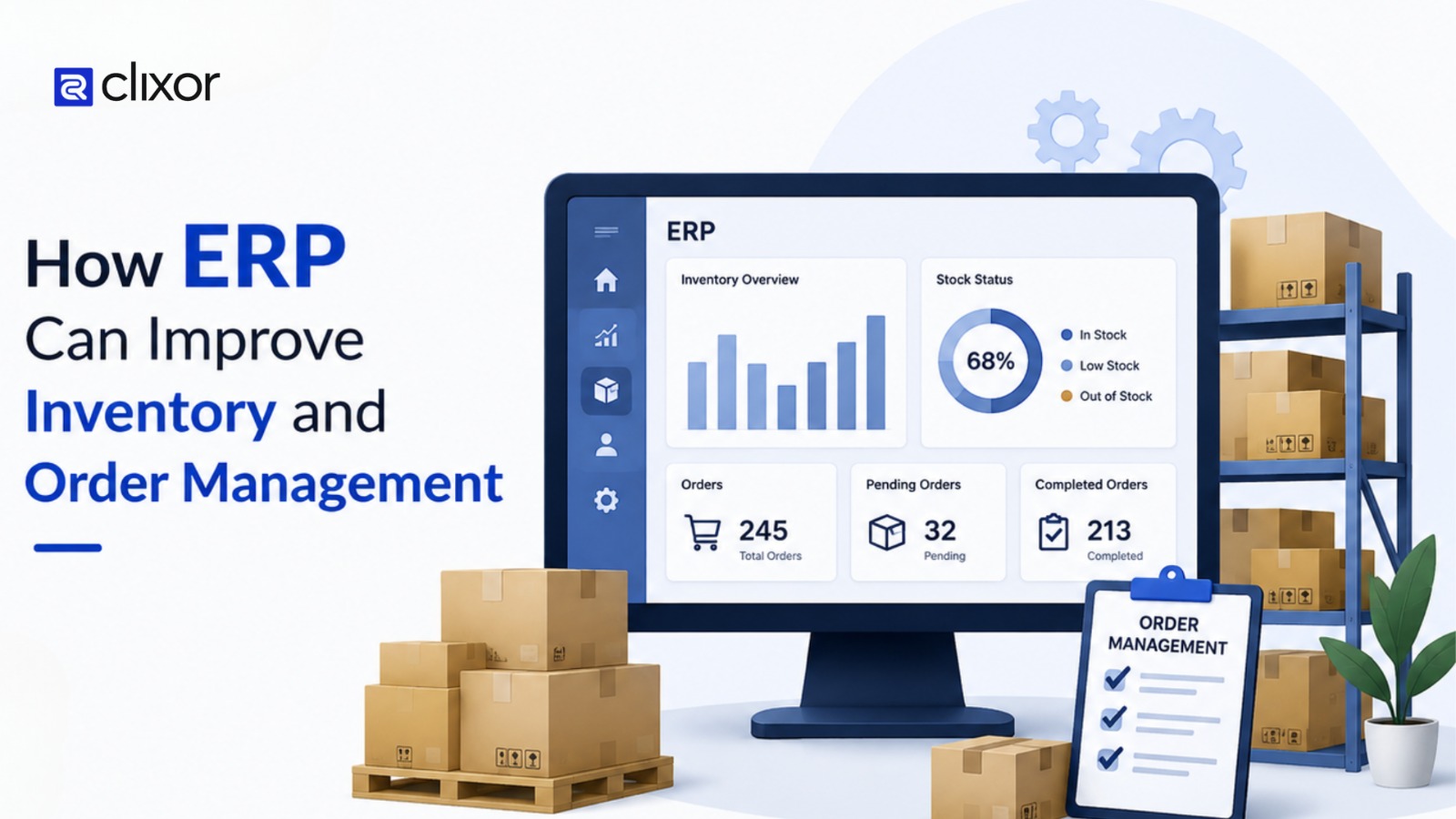
How ERP Can Improve Inventory and Order Management
As a business grows, managing inventory and customer orders manually can become difficult. Spreadsheets, separate software, and manual updates can lead to stock errors, delayed orders, and poor visibility.
An ERP system for inventory and order management brings these processes together in one place, helping businesses manage stock, orders, purchasing, and fulfillment more efficiently.
- What Is ERP Inventory Management?
- How ERP Improves Inventory Management
- How ERP Improves Order Management
- A Simple Example of ERP in Order Management
- What to Consider Before Choosing an ERP
- Conclusion
What Is ERP Inventory Management?
ERP inventory management helps businesses manage products, stock levels, purchases, sales, and warehouse activities through a centralized system.
Instead of maintaining separate records across tools, teams can access consistent, up-to-date information. This makes it easier to understand what is available, what has been sold, and when new stock may be required.
For example, when a product is sold, the inventory record can be updated as part of the same workflow, reducing the need for repeated manual updates.
How ERP Improves Inventory Management
Real-Time Stock Visibility
One of the biggest advantages of ERP inventory management is having a clear view of current stock.
Businesses can monitor available inventory, reserved products, incoming stock, and quantities across different warehouse locations. This helps teams make faster decisions without waiting for separate stock reports.
Reducing Inventory Errors
Inventory errors often happen when employees manually update multiple spreadsheets or systems.
ERP connects inventory with sales, purchasing, and warehouse activities, reducing duplicate data entry. This can help businesses maintain more accurate stock records and reduce differences between system data and physical inventory.
Smarter Stock Replenishment
Running out of important products can delay customer orders, while keeping too much stock can increase storage costs.
ERP systems can help businesses monitor stock levels and identify when products need replenishment. Sales history and current inventory data can also support better purchasing decisions.
Managing Inventory Across Multiple Warehouses
Businesses with multiple warehouses need to know where products are located and how much stock is available at each location.
An ERP system can provide a centralized view of inventory across different locations. This makes stock transfers, order fulfillment, and warehouse planning easier.
How ERP Improves Order Management
Inventory management is closely connected to order processing. When these processes operate separately, delays and communication gaps can easily occur.
ERP connects customer orders with inventory, warehouse, purchasing, and fulfillment activities, creating a smoother flow of information from order placement to delivery.
Faster Order Processing
Manual order processing often requires employees to enter the same information into multiple systems.
With ERP, order information can move through connected workflows. Stock availability can be checked, orders can be processed, and warehouse teams can receive the information needed for fulfillment without unnecessary manual steps.
Improving Order Accuracy
Incorrect quantities, product details, or pricing can create unnecessary returns and customer service issues.
An ERP system keeps important order information connected with product and inventory records. This gives employees a more consistent source of information when processing customer orders.
Easier Order Status Tracking
Customers and internal teams often need to know where an order currently stands.
ERP systems can help track different stages such as order confirmation, processing, packing, shipping, and completion. This gives sales and customer service teams better visibility when responding to order-related questions.
Better Coordination Between Teams
Order fulfillment usually involves several departments, including sales, warehouse, purchasing, and finance.
When these teams work with disconnected information, communication can become slow. ERP creates a shared system where relevant teams can access the information they need and coordinate their activities more effectively.
A Simple Example of ERP in Order Management
Consider a business that receives an order for 100 products.
Without ERP, the sales team may check a spreadsheet, contact the warehouse, confirm availability, and manually update the order.
With ERP, the system can connect these activities. Inventory availability can be checked, the order can be recorded, available stock can be reserved, and the fulfilment team can receive the required information.
A typical workflow can look like:
Customer Order → Stock Check → Order Processing → Picking & Packing → Shipping → Inventory Update
This connected workflow can reduce unnecessary manual steps and improve visibility across the order lifecycle.
What to Consider Before Choosing an ERP
Choosing an ERP should be based on the business's actual requirements rather than simply the number of features available.
Before selecting a system, businesses should consider:
- Business size and operational requirements
- Number of products and warehouse locations
- Current and expected order volume
- Integration with existing software
- Reporting and analytics requirements
- Scalability for future growth
- Ease of use and employee training
A suitable ERP should fit the company's current workflows while providing enough flexibility to support future business expansion.
Conclusion
As businesses grow, inventory and order management can become increasingly difficult to handle with spreadsheets and disconnected systems.
ERP software brings inventory, sales, purchasing, warehouse operations, and order fulfillment into a connected workflow. This can help businesses improve stock accuracy, reduce manual work, process orders more efficiently, and gain better visibility into daily operations.
For businesses looking to improve their inventory processes and build a more organized order management system, ERP for inventory management can provide a practical foundation for long-term operational efficiency. To get started, identify your current workflows, compare them with ERP capabilities, and choose a system that fits your needs.
At Clixor Technologies, ERP is approached from a practical technology perspective, with a focus on using connected systems to solve real business workflow challenges. The next step is to assess where connected systems can improve your own workflow.