What Should Businesses Consider Before Choosing New Software?
Choosing new software is an important decision for any business. The right software can save time, simplify daily tasks, improve communication, and help a company manage its operations more effectively.
But choosing software only because it has more features or costs less can create problems later. Businesses should first understand what they need, how the software will fit into their existing workflow, and whether it can support future growth.
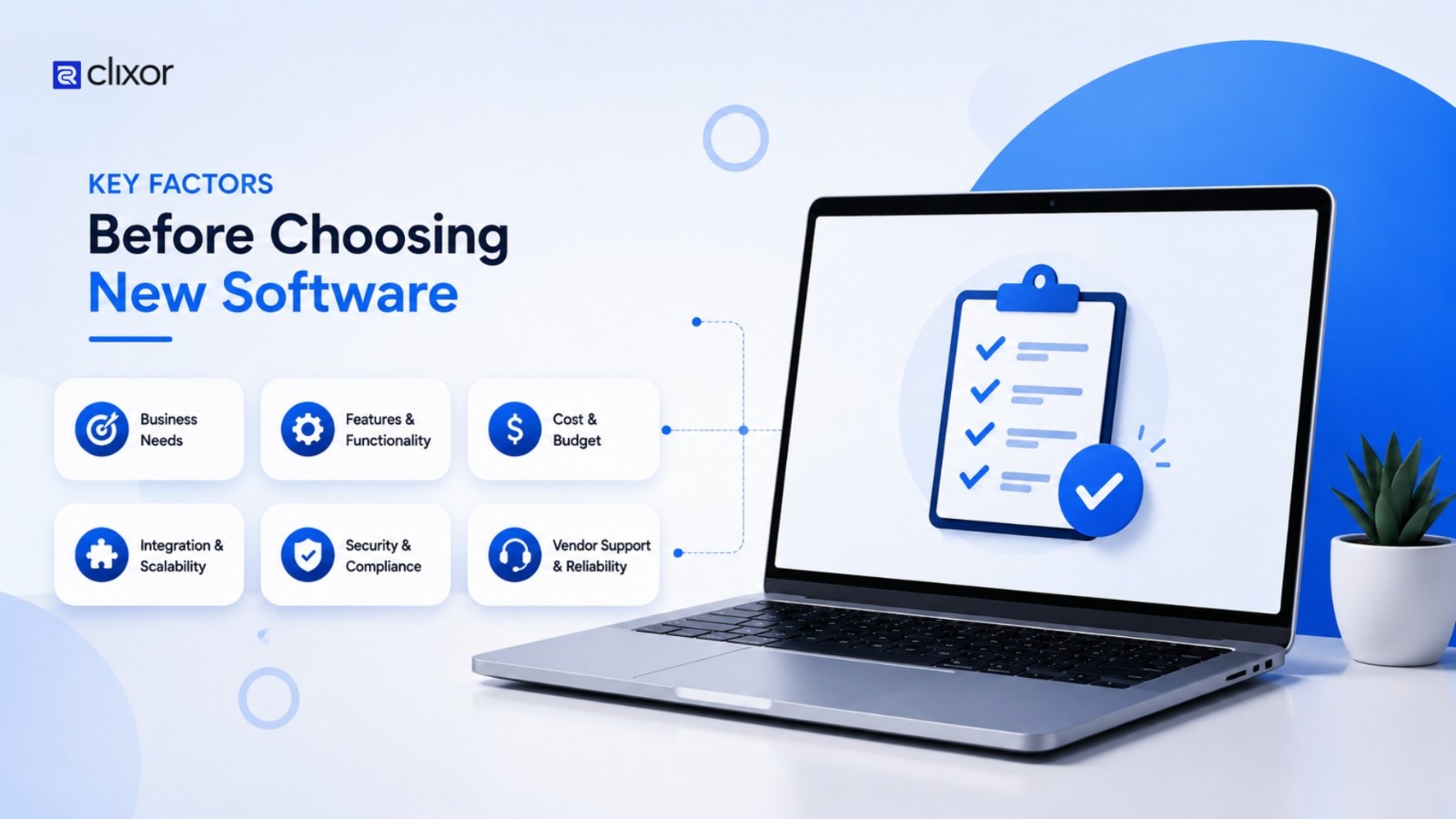
Here are the key things to consider before choosing new business software.
- Identify the Business Problem
- Define Your Requirements
- Consider the Total Cost
- Check Ease of Use
- Check Integration With Existing Systems
- Think About Security and Scalability
- Compare Custom and Ready-Made Software
- Test Before You Decide
- Conclusion
1. Identify the Business Problem
Before comparing software options, clearly identify the problem you want to solve.
Ask:
- What process is currently difficult?
- What tasks take too much time?
- Where are employees losing productivity?
- What information is difficult to manage?
- What does the current system fail to provide?
For example, if customer information is spread across spreadsheets, emails, and different tools, a CRM system may help centralize customer data and improve sales management.
The software should solve a real business problem, not just add another tool to the technology stack.
2. Define Your Requirements
Once the problem is clear, list the essential requirements.
Consider:
- Required features
- Number of users
- Mobile access
- Reporting requirements
- Integrations
- Storage needs
- Security requirements
- Future expansion
Separate must-have features from features that are nice to have. This makes it easier to compare different software solutions.
3. Consider the Total Cost
Software costs can include more than the initial purchase or monthly subscription.
Businesses should also consider:
- Setup and implementation
- Customization
- Data migration
- Employee training
- Maintenance
- Technical support
- Additional users
- Integration costs
A low-cost solution may not always provide the best value if it requires expensive customization or creates additional manual work.
4. Check Ease of Use
Employees are the people who will use the software every day. If the system is difficult to understand, adoption can become a problem.
Look for software with:
- Simple navigation
- Clear dashboards
- Easy workflows
- Useful search features
- Mobile accessibility
- Good documentation
Whenever possible, allow employees to test the software before making the final decision.
5. Check Integration With Existing Systems
New software rarely works alone. It may need to connect with your existing CRM, accounting system, payment platform, HR software, website, or other business applications.
Before choosing a solution, check:
- Available integrations
- API support
- Data synchronization
- Compatibility with existing systems
Good integration can reduce duplicate data entry and make business processes more efficient.
6. Think About Security and Scalability
Business software may handle customer information, employee data, financial records, and other important information.
Check how the software handles:
- User permissions
- Data protection
- Backups
- Authentication
- Security updates
At the same time, consider future growth. Can the software support more users, customers, data, or business locations as the company expands?
Choosing software that works today but cannot support tomorrow's requirements can lead to another expensive technology change.
7. Compare Custom and Ready-Made Software
Businesses usually have two main options: off-the-shelf software or custom software development.
Ready-made software can be suitable when your requirements are standard and you want a solution that is available quickly.
Custom software may be a better option when your business has unique workflows, specific integrations, or requirements that existing products cannot handle effectively.
The best choice depends on the business problem, budget, workflow, and long-term goals.
8. Test Before You Decide
Do not make a decision based only on a product page or sales presentation.
Use a demo or trial and test real business tasks.
Ask:
- Can employees complete daily tasks easily?
- Does it integrate with existing tools?
- Is the reporting useful?
- Does it work well on mobile devices?
- Can the system grow with the business?
Testing the software with actual users can reveal issues that may not be obvious during a presentation.
Conclusion
Choosing new software should be based on business needs, not features alone. Consider requirements, costs, users, integrations, security, and future growth to choose a solution that provides long-term value.
At Clixor Technologies, we help businesses turn their specific requirements into practical digital and software solutions. If your current software is no longer meeting your business needs, contact us today to discuss a solution that fits your workflow and goals.
```